Creating Asset Templates in Meta Horizon Worlds Desktop Editor
Related Links:
Developer documentation: Asset Templates
When to use:
Asset templates are useful when you want to reuse an asset multiple times in your worlds, and you want the ability to update all of the instances in one-fell-swoop.
To create an asset while in edit mode:
- Select one or more objects in the hierarchy window on the left side of the desktop editor window
Tip: Use shift + Left click or ctrl + Left click to select multiple objects
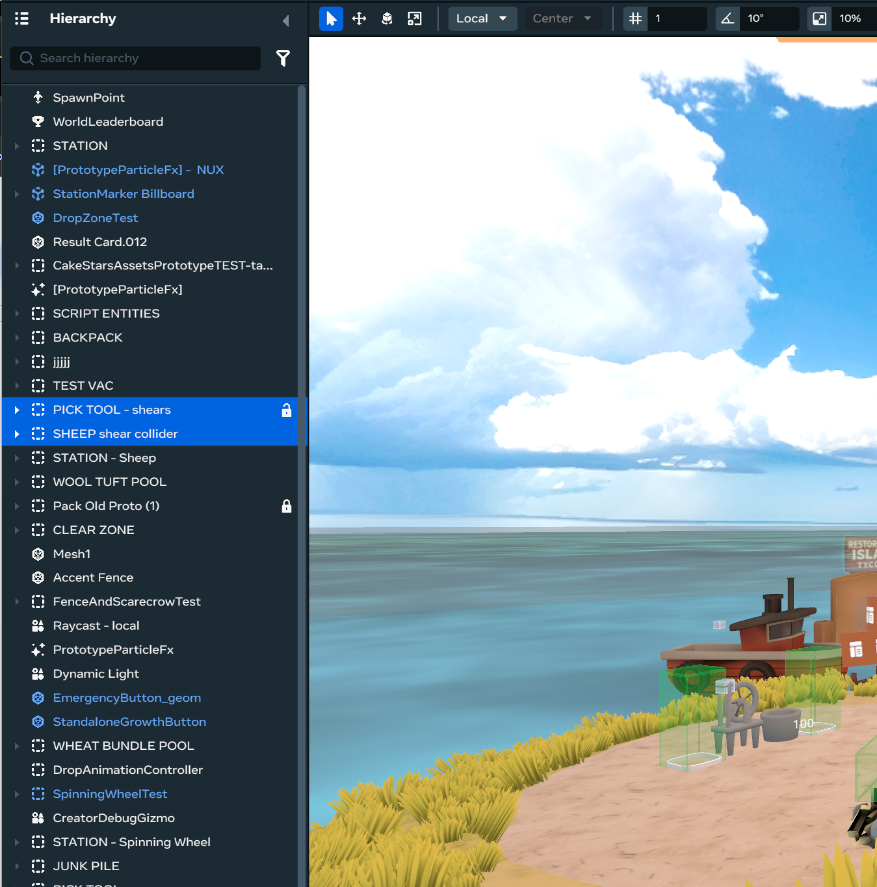
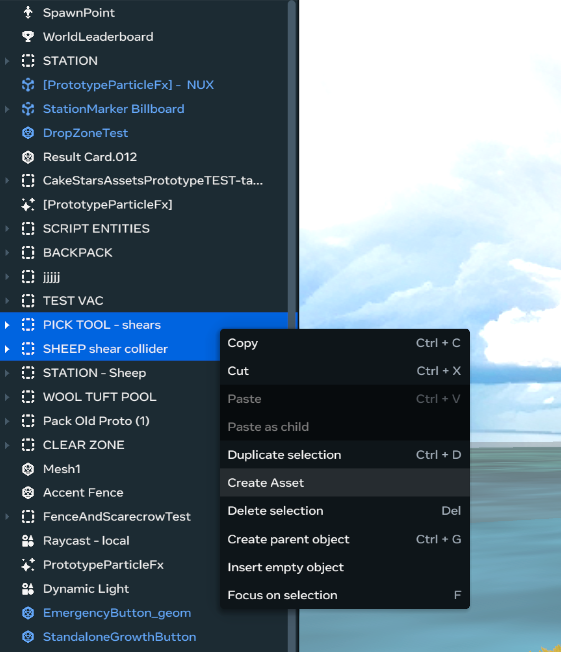
- Right click on the selection then click Create Asset
- In the pop-up window fill out the name and description for your asset
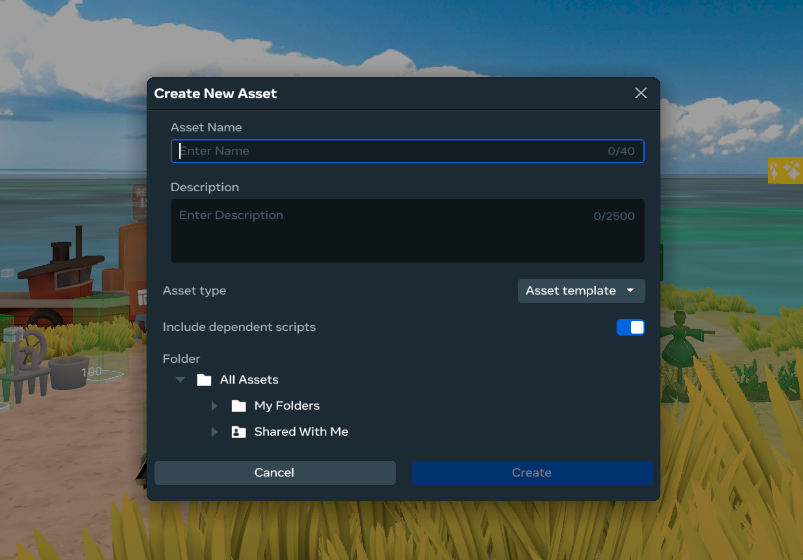
- Select a folder you want the asset saved to.
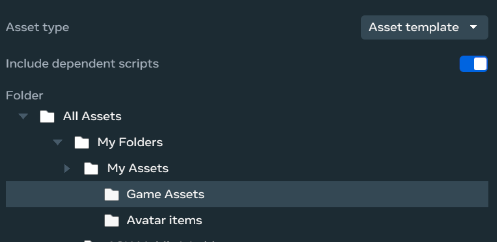
- Click “Create” to save the asset.

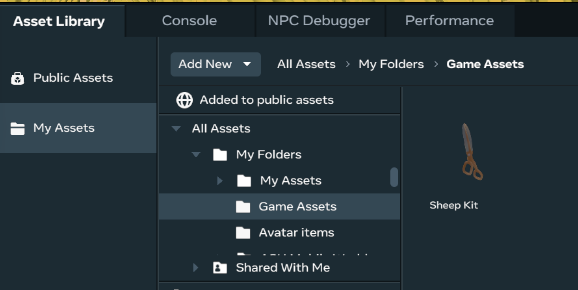
- In the bottom window of the desktop editor go to the Asset Library tab, then to the My Assets Section to find the folder you selected above and locate your new asset