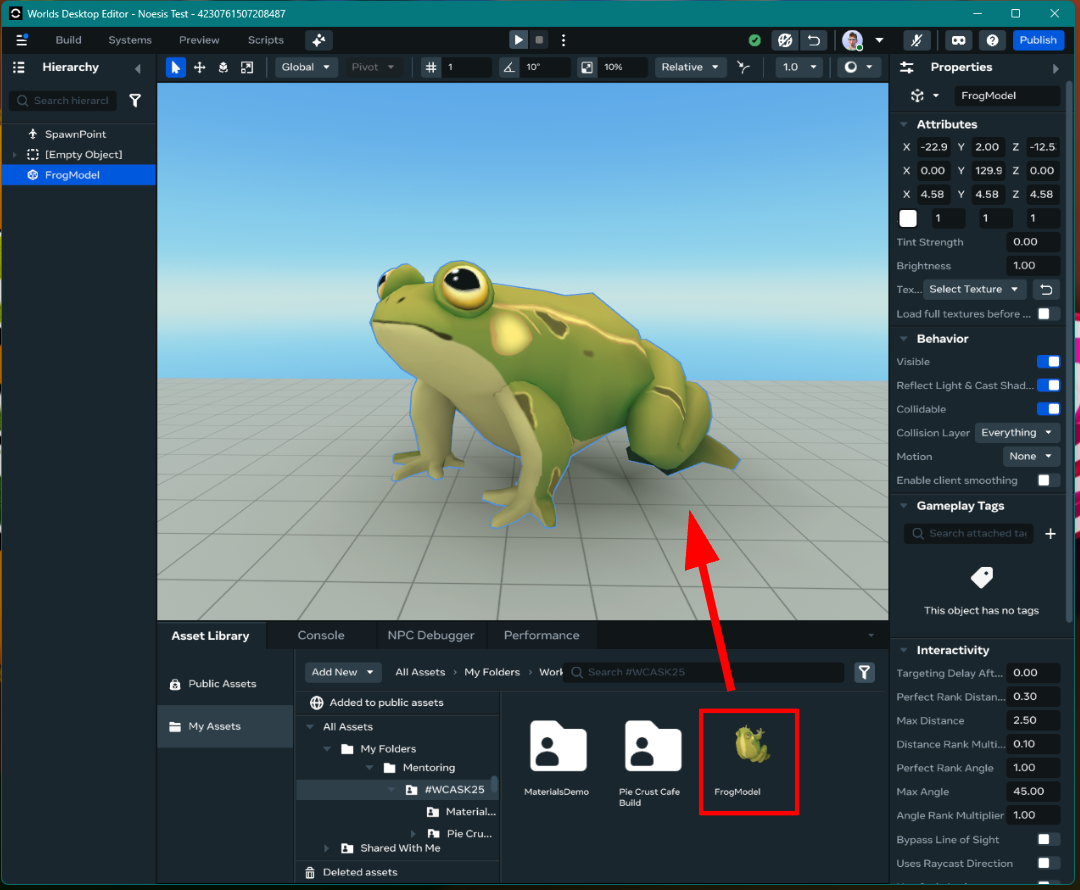
Importing Custom Models in Meta Horizon Worlds Desktop Editor
Related Links:
- Developer Documentation: Materials Guidance
- Developer Documentation: Custom Model Import Best Practices
When to use:
Use this when you are ready to import a custom fbx model to use within your world To upload a custom model in edit mode:
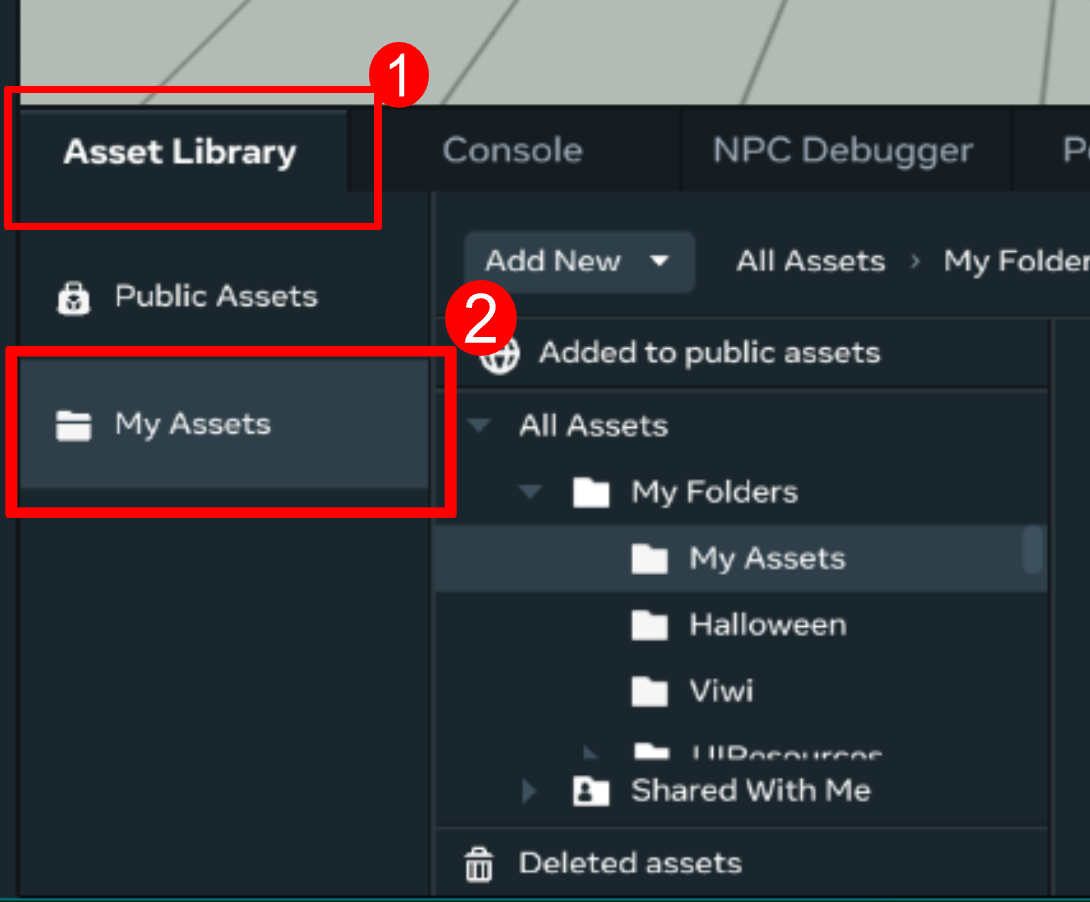
- Open the Asset Library and select My Assets
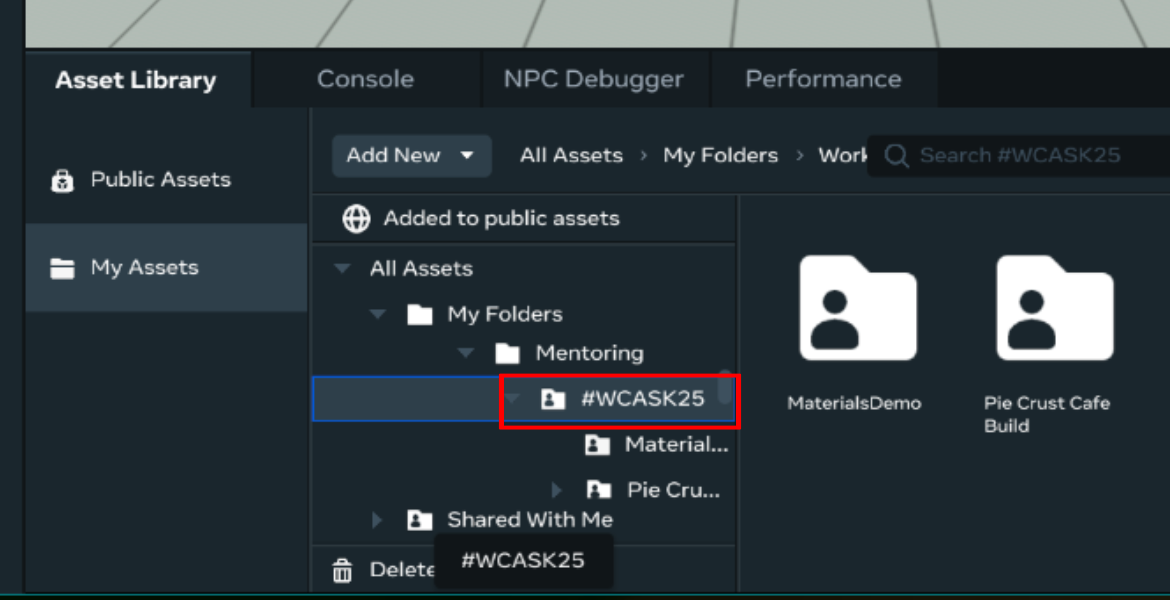
- Select the folder where you want to save your asset
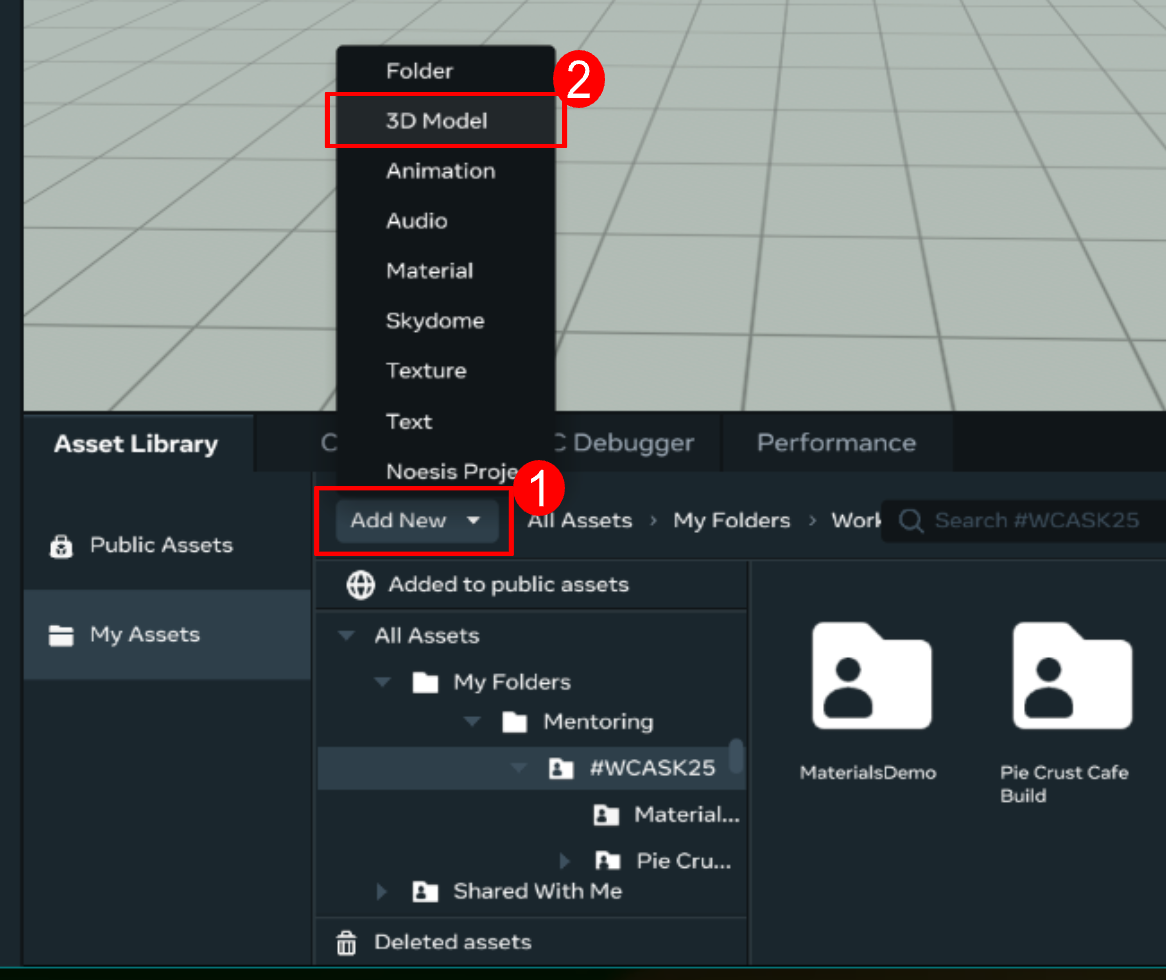
- Click Add New and select 3D Model
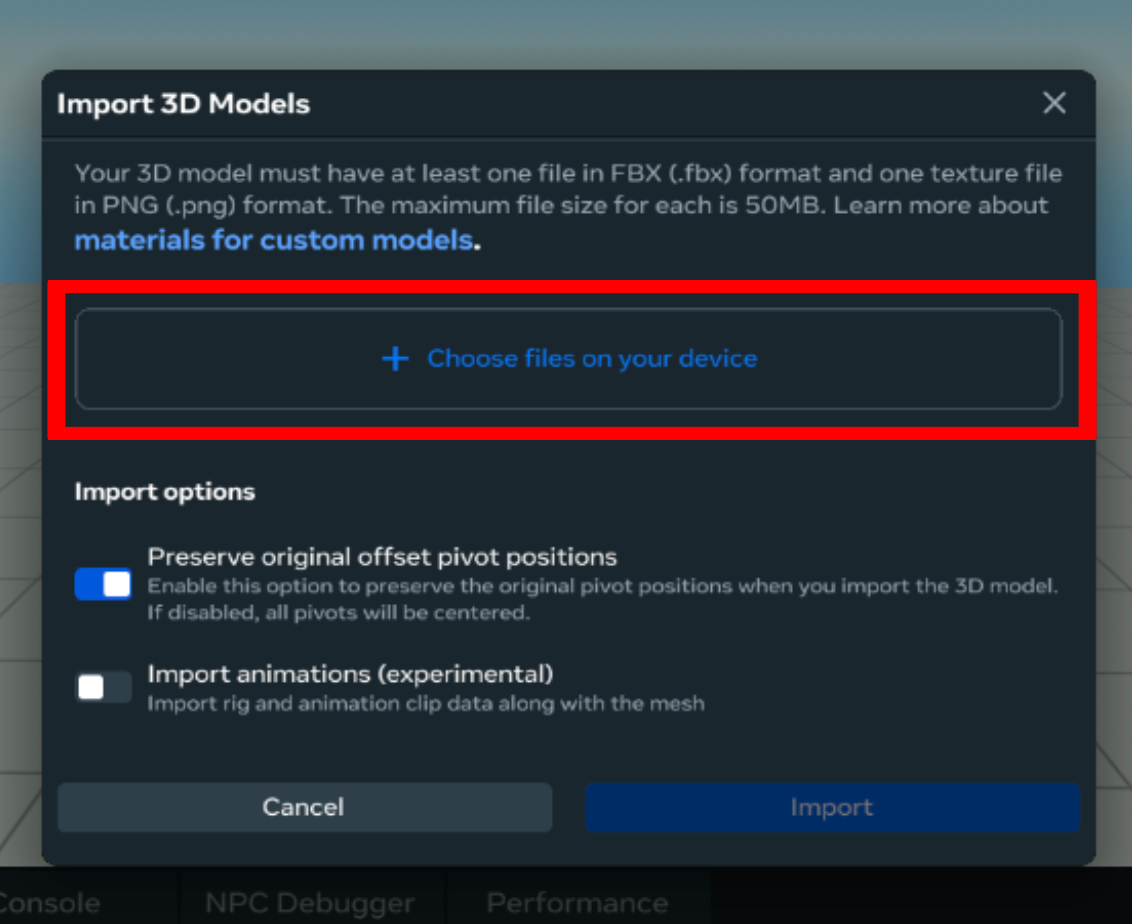
- Select Choose files on your device from the popup window
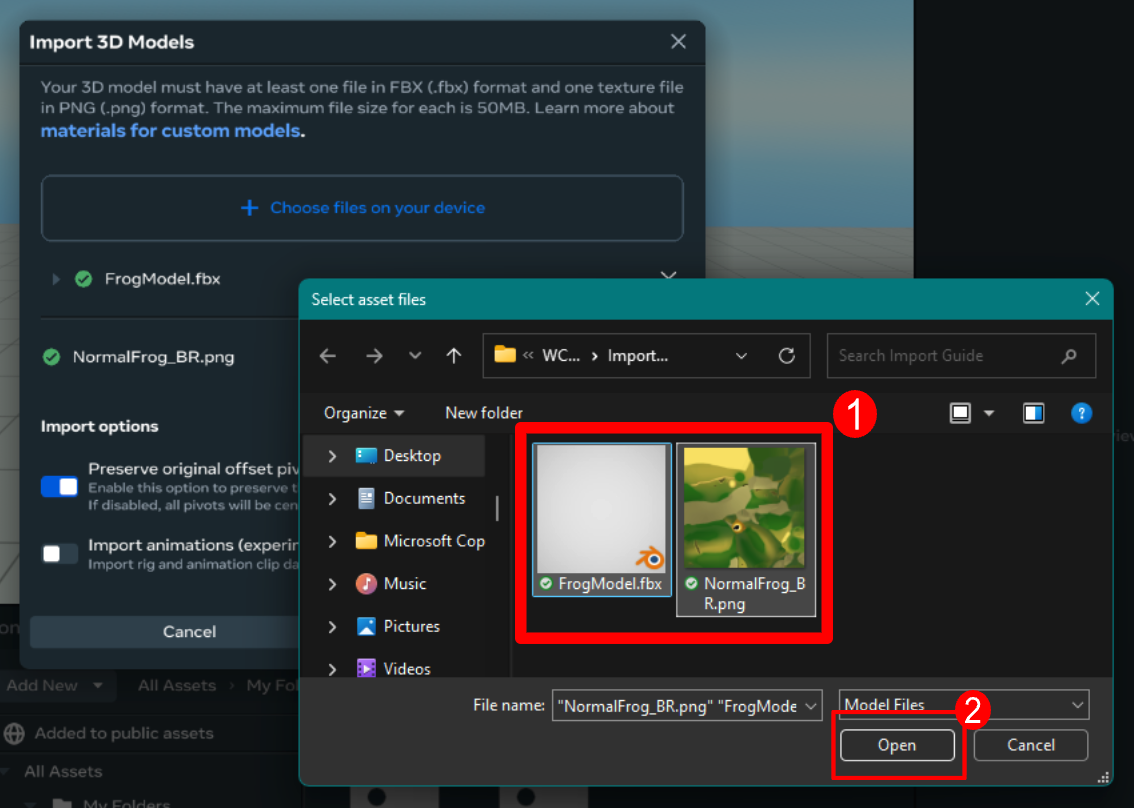
- Select the .fbx and .png files from your computer’s file browser popup and press Open
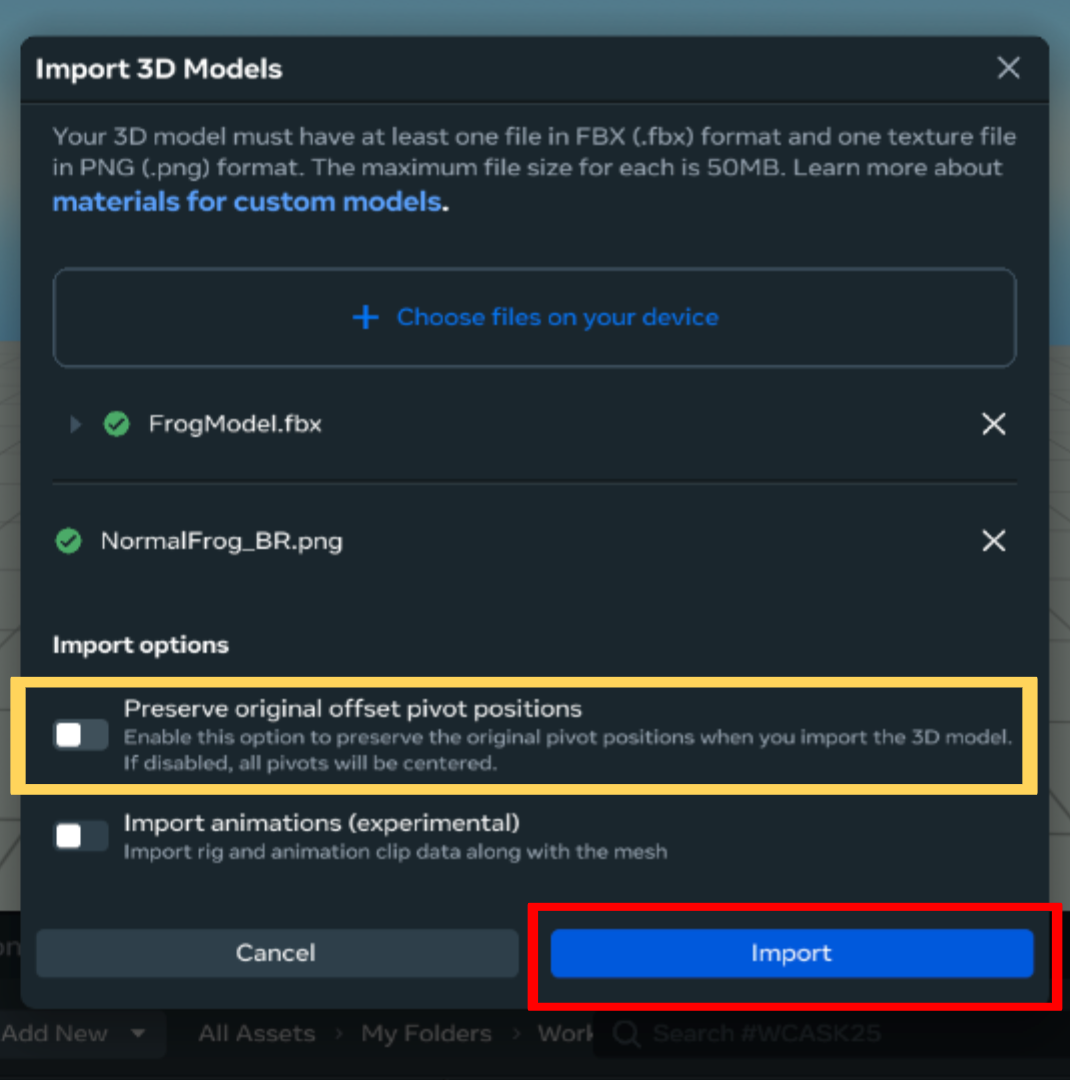
- Press Import to begin the upload
TIP: If you .fbx file contains multiple meshes, uncheck “Preserve original offset pivot points” to avoid warnings/errors
- Click and drag the uploaded asset into your scene