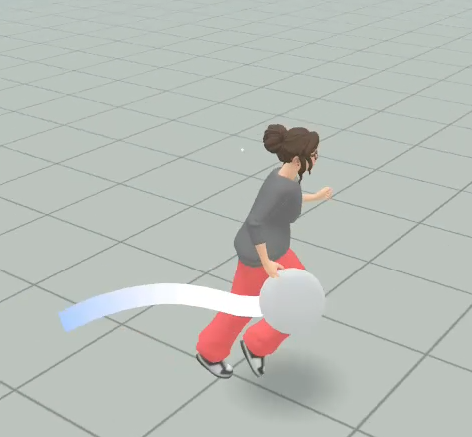
Creating a Throwable Interaction in Meta Horizon Worlds Desktop Editor
Related Links:
Grabbable Entities On Mobile And Web
When to use:
When you want to design an interaction for mobile players that requires throwing a held item.
Benefits:
It creates a fun interaction that is easy to implement and doesn’t require scripting.
Steps:
- From the Desktop Editor, go to the Build menu and select Empty Object
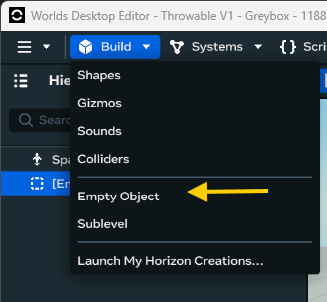
- This will add a container where we can place all the items that you want to include in the throwable, like visual effects and meshes
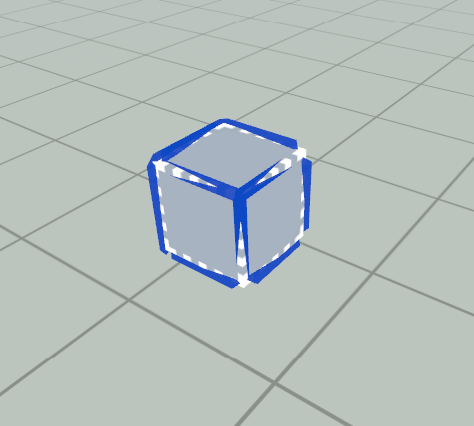
- Add a shape to the world, from Build > Shapes. We will be using a sphere for this example, by clicking on the shape and dragging it next to the empty
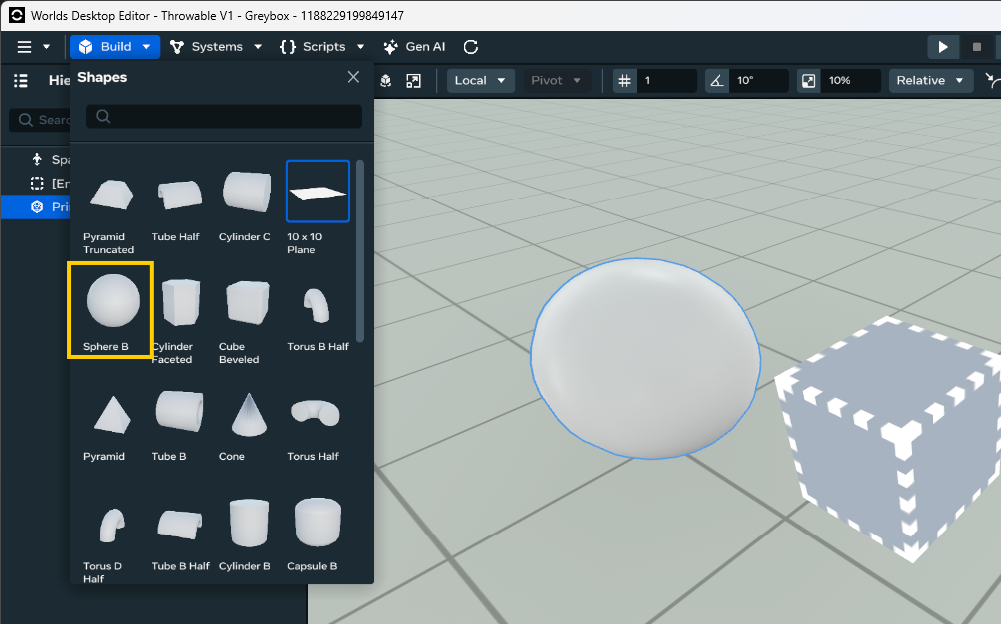
- Using the hierarchy, place the shape inside the empty object
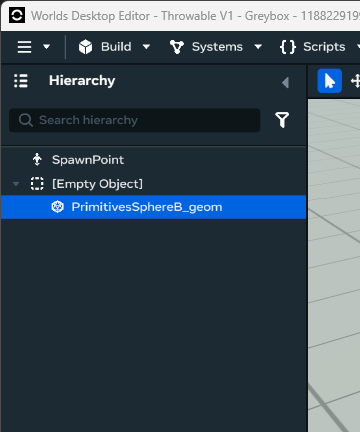
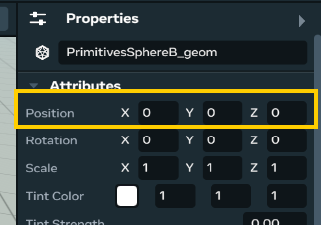
- With the shape still selected, go to the properties (right panel), and change its positon to x: 0, y: 0, z: 0
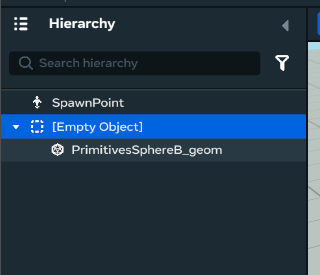
- Select the Empty object from the hierarchy
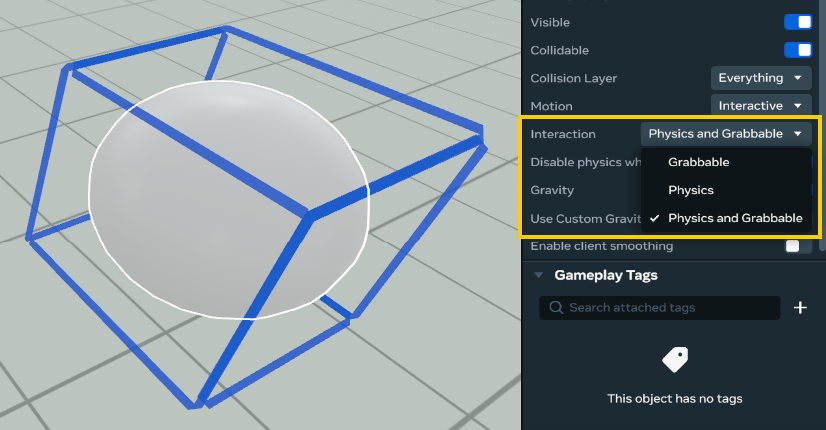
- Go the the properties (right panel) and change the Motion to Interactive
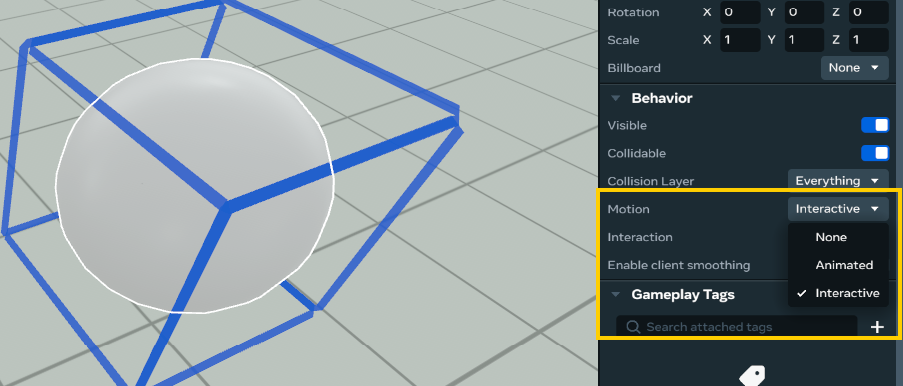
- Change the Interaction to Physics and Grabbable
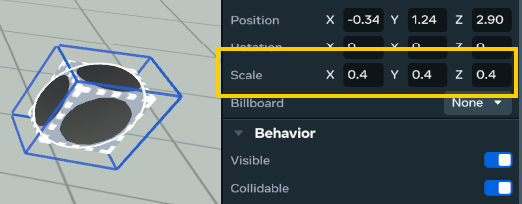
- Adjust the Scale to x:0.4, y:0.4, z:0.4
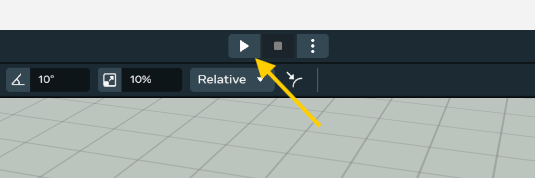
- Press the Play button to enter preview mode
- Approach the sphere, and press E to grab it
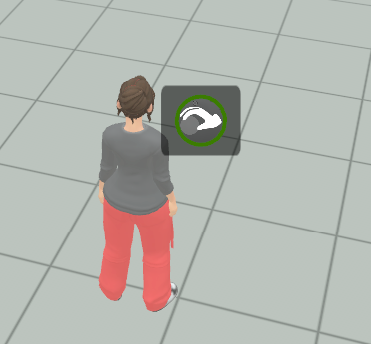
- While grabbing the sphere, press and hold the release button for 3 seconds to charge the throw
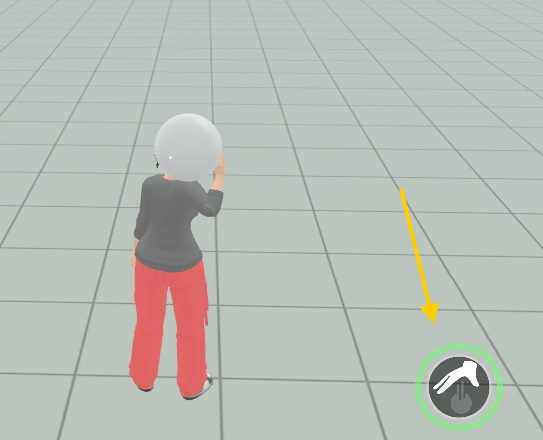
- Release the button and the avatar will throw the object
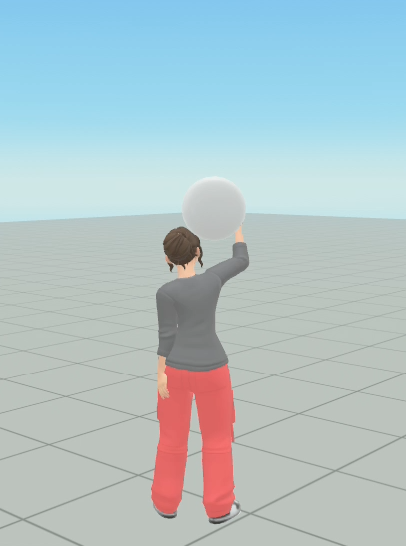
- Press ESC twice on your keyboard to exit preview mode
- Go to Build > Gizmos
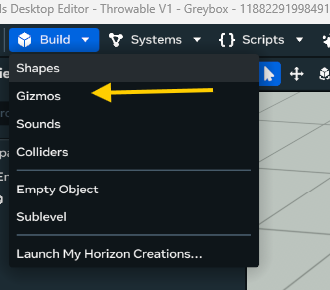
- Search for Trail
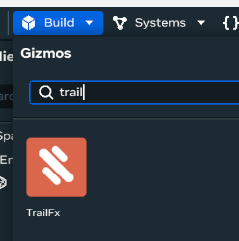
- Drag it into the scene, next to the throwable
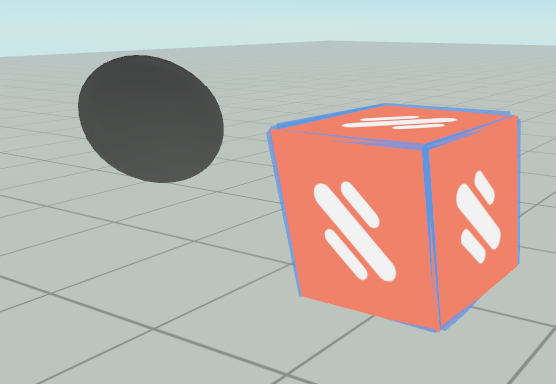
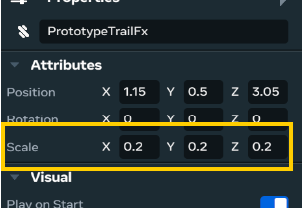
- With the gizmo select, go to the properties and change its scale to x: 0.2, y: 0.2, z: 0.2
- From the hierarchy, drag the gizmo inside the empty object
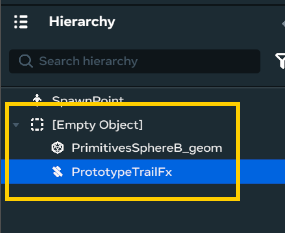
- With the trail effect still selected, go to the properties, and change its position to x:0, y: 0, z: 0
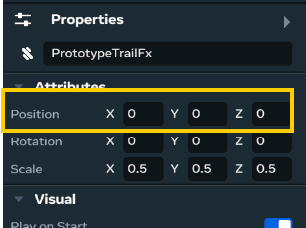
- Enter preview mode again, and observe the trail effect that follows the object when in motion