Assets Reference Guide: Horizon Public Asset Library
How to Access
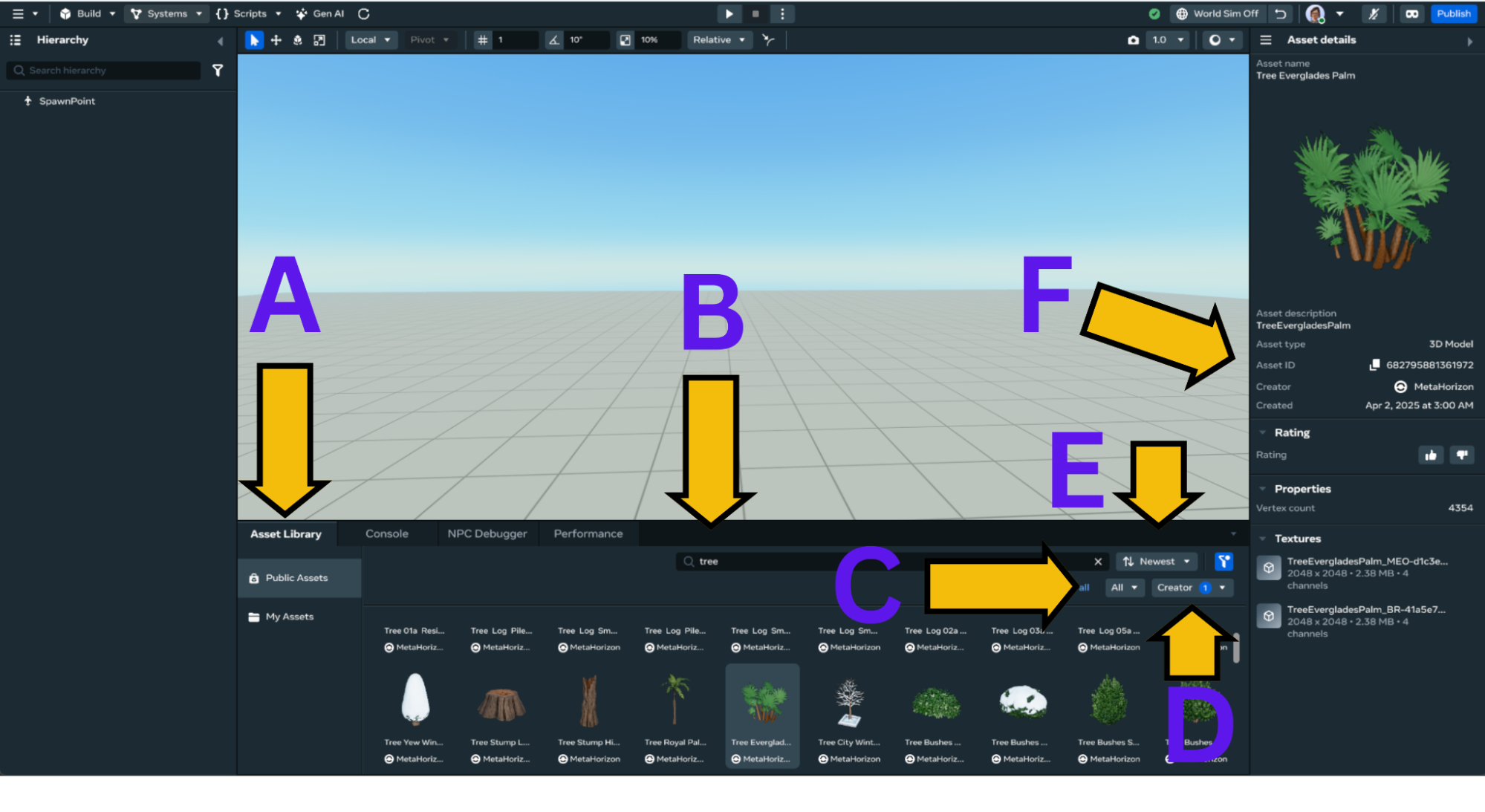
- From the Desktop Editor, open the Asset Library tab
- Use the search bar to find assets by name or keyword
- Filter by asset category
- Filter by creator name
- You can sort by highest rated, newest, oldest or alphabetically
- When you select an asset you can see its asset ID. Use this number to validate that you have found the asset suggested in this document.
How to Use
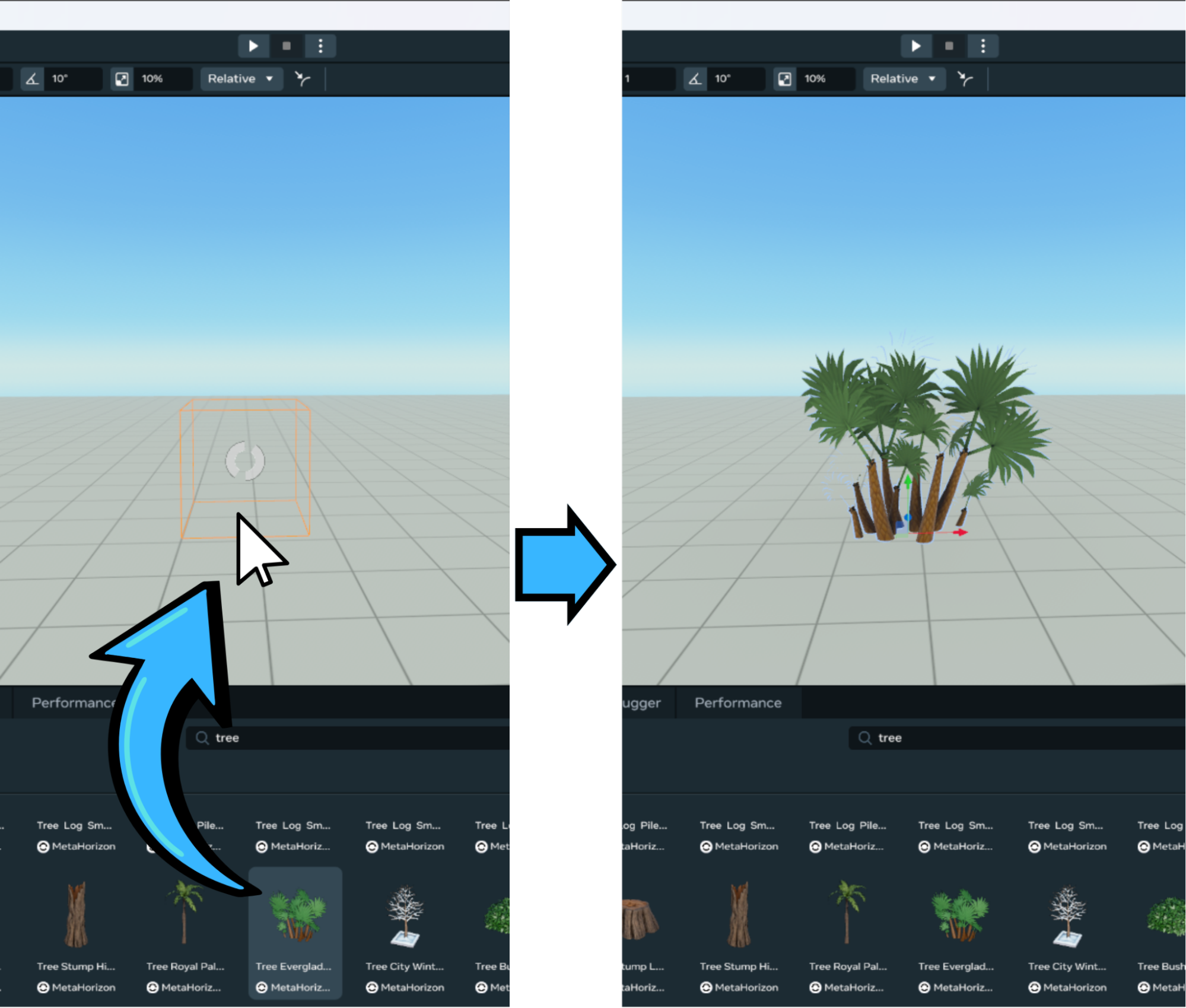
To use an asset in your world, simply drag and drop it into the scene:
Scripted Assets
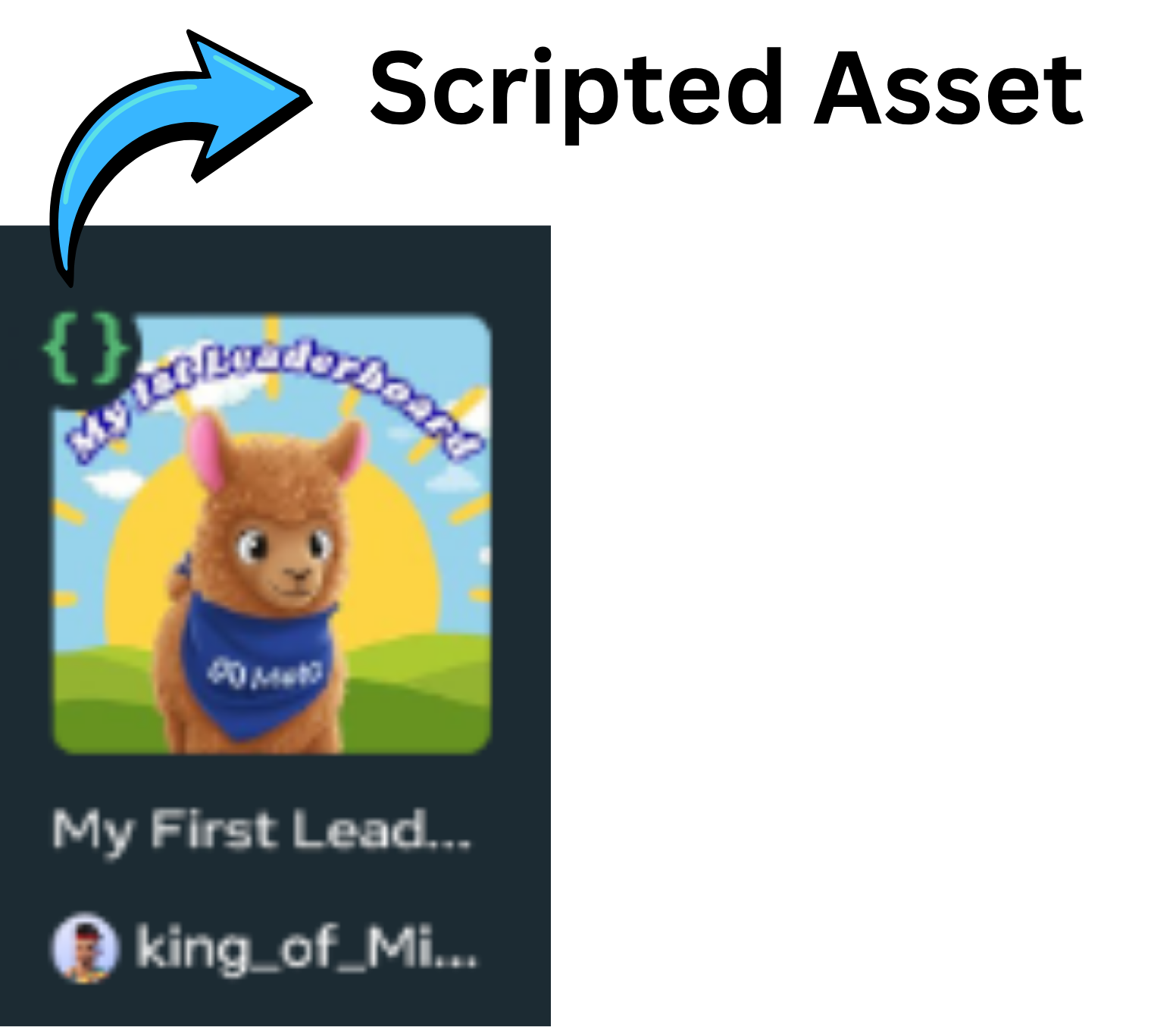
Some assets include full mechanics with 3D models, Custom UIs and scripting. These assets can be identified by the green curly braces that appear at the upper left corner of the thumbnail.
Recommended Creators
- Meta Official Account:
- MetaHorizon - A very large list of asset including 3D model, scripted assets, visual effects, sound effects, animated characters and much more
- MHCP and WCA Mentors:
| MHCP or WCA Mentor Name | Asset Types |
|---|---|
| Shards632 | Scripting |
| gausroth | Scripting |
| SpaceGlitterUnicorn | 3D Models |
| Tellous | Scripting |
| MKE_TheGuru | Scripting |
| king_of_Miami | Scripting |
| PigeonNo12 | Scripting |
- Community Creator
- Vidyuu - An extensive list of reusable mechanics
Recommended Assets Categories
Fantasy/Medieval
-
Categories: Structures - Interiors - Environment - Lights - Weapons
-
Keywords: Treasure - Castle - Magic - Potion - Column - Stone - Arc
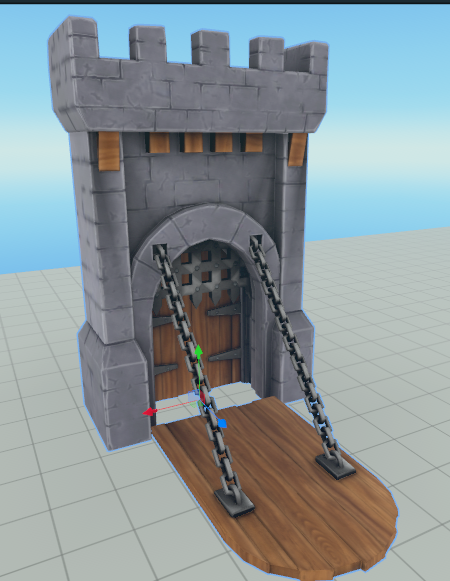
Name: Portculis Drawbridge
Category: Structures
Asset ID: 981830410169214
Modern/Urban
-
Categories: Structures - Vehicles - Interiors
-
Keywords: Vehicle - Sign - Light - Factory
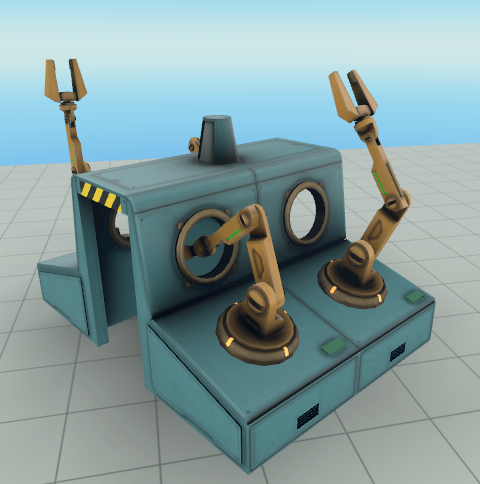
Name: Factory Machine Assembly Line
Category: Interiors
Asset ID: 1819656162131855
Sci-Fi
-
Categories: Structures - Electronics - Interiors - Vehicles
-
Keywords: Space - Laser - Crate
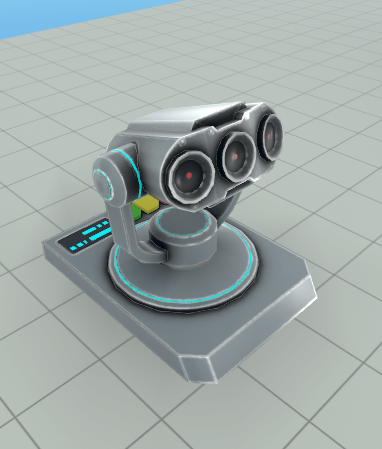
Name: Laser Beam Emitter
Category: Interiors
AssetID: 2234215763680099
Nature/Outdoors
-
Categories: Environments - Animals - Food
-
Keywords: Flower - Tree - Rock - Ocean - Fruits
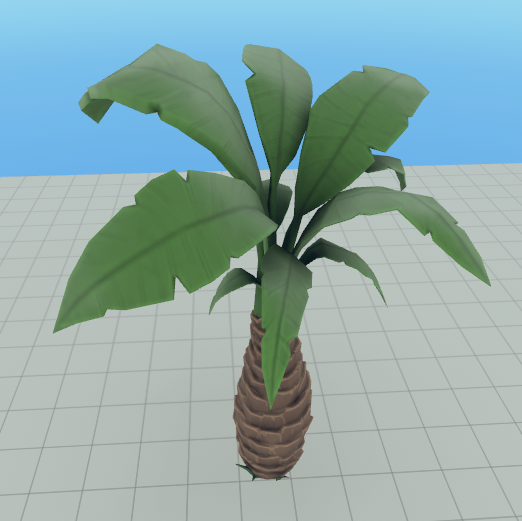
Name: Date Palm Tree
Category: Environment
AssetID: 1606762920029822
Special Categories
-
Interactive: Many reusable scripted mechanics, these can be a great source to learn how to use the different Horizon Worlds APIs
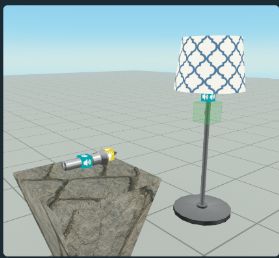
Name: Lamp & Flashlight (Torch)
Creator: Vidyuu
Asset ID: 1912614015979361
Category: Interactive -
VFX: A curated collection of visual effects created with PopcornFX. These can be controlled with scripting just like the Particle Effects Gizmo.

Name: Sparkles B
Creator: MetaHorizon
Asset ID: 1552051715509401
Category: VFX -
Audio: A large repository of music, sound effects and ambient sounds.

Name: SFX_Rain_in_Dessert_Amb_Loop
Creator: MetaHorizon
Asset ID: 1642526946251951
Category: Audio
Subcategory: Ambient -
Avatar Animations: These animations can be applied to the player avatar on mobile and web.
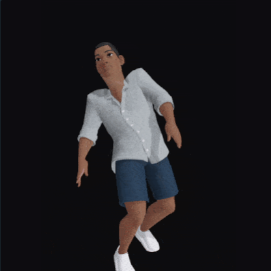
Name: Knock Down (Right Shoulder)
Creator: MetaHorizon
Asset ID: 2248856388909561
Category: Avatar Animations -
NPC: These are Unity Asset Bundle characters containing animations and interactions that can be triggered with scripting.
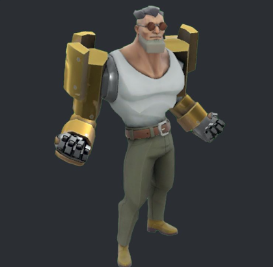
Name: NPC Henchman
Creator: MetaHorizon
Asset ID: 629002330062181
Category: NPC
GitHub: Code Examples
Looking for code examples? Here’s a curated list of documentation and code snippets that demonstrate how to use Horizon APIs through the Desktop Editor
| Description | Link |
|---|---|
| A large collection of code snippets that demonstrate common APIs functionalities, created by Tellous, a MHCP mentor | GitHun: HorizonWorldsSnippets |
| Meta provided code snippets, including backed logic for one of the most popular PvP games Super Rumble, by Ouro | GitHub: meta-horizon-worlds-sample-scripts |
| Official MHCP GitHub, with a direct link to a compilation of documents and sheet cheats to get you started | Get started With Creator made documentation - MHCP Creator Made Docs |